Stay connected
wherever you go
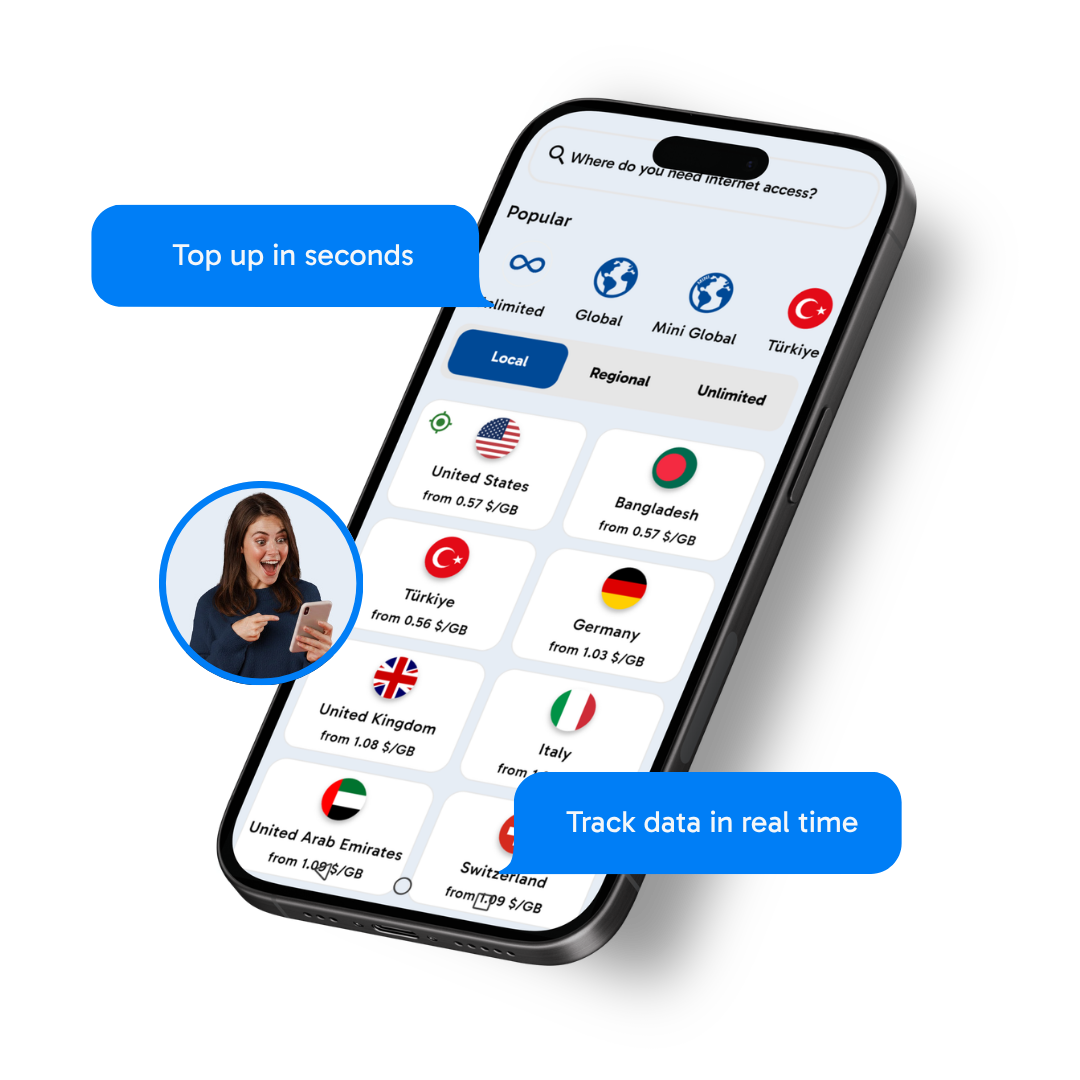
The Aeroporti di Roma eSIM gives you coverage in over 200 destinations worldwide. You choose where to go, we’ll take care of your connection.
200+
DESTINATIONS

BEST
eSIM IN THE WORLD
INSTANT
ACTIVATION
Get Connected in Minutes. Here's How.
Set up your eSIM in minutes and enjoy instant data when you land.

Choose your plan
Pick a local, regional, or unlimited plan. No documents, no contracts.
Install via QR
Scan once. Setup takes less than 2 minutes.
Connect when you land
Your data activates automatically when you arrive.
Works on most iPhone and Android devices.

200+
DESTINATIONS
BEST
eSIM IN THE WORLD
INSTANT
ACTIVATION
Why choose Aeroporti di Roma eSIM?
Staying connected while you travel has never been easier.
Set it up before you fly, then you're online as soon as you land
Coverage in over 200 countries, with a single eSIM
Flexible plans: choose your duration and data, including options with no expiry
Keep your number and WhatsApp always active
Got Questions? We've Got Answers.
Everything you need to know before getting started.
- For iPhone & iPad:
- Open Settings › Cellular (or Mobile Data).
- Tap Add Cellular Plan.
- Scan the QR code provided in your email.
- Follow the on-screen instructions to complete the setup.
- For Android (Samsung, Google Pixel, etc.):
- Open Settings › Connections › SIM Manager.
- Tap Add Mobile Plan › Scan QR Code.
- Scan the QR code and follow the prompts.
- For Other Devices:
Check your device manual or eSIM settings for specific instructions.